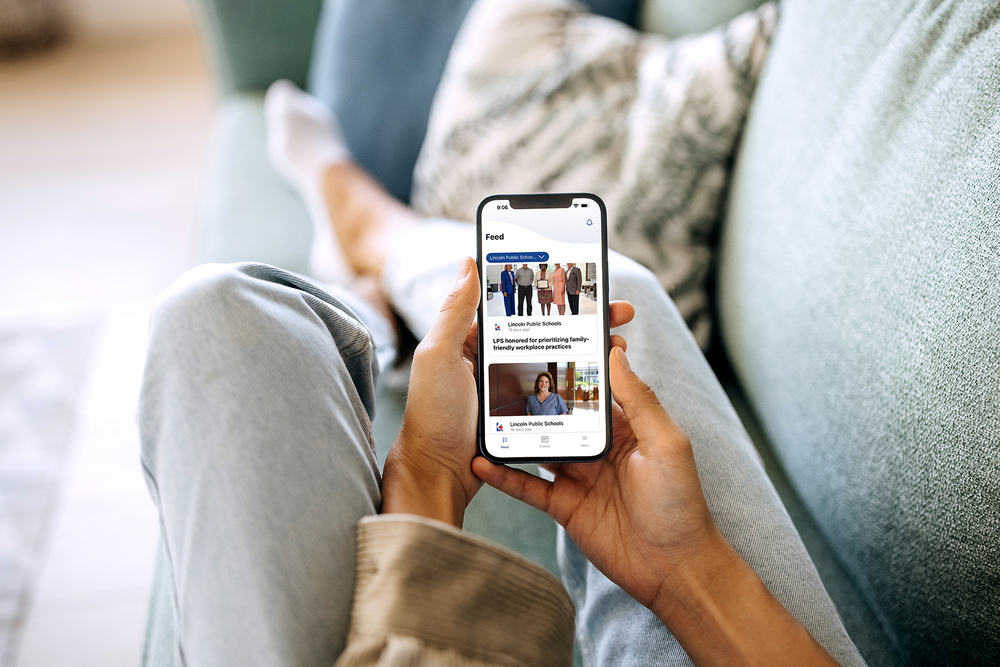
This summer, Lincoln Public Schools switched over to a new communications platform that includes updated websites and mass notification messaging along with a new app for the district that you can choose to download.
The LPS.org app (iOS or Android) allows LPS families and the community to view school and district news, events and information easily on their phone. You can also choose to receive push notifications through the app. (Please note that LPS will continue to use Synergy ParentVUE for grade and attendance information and for most communication from teachers.)
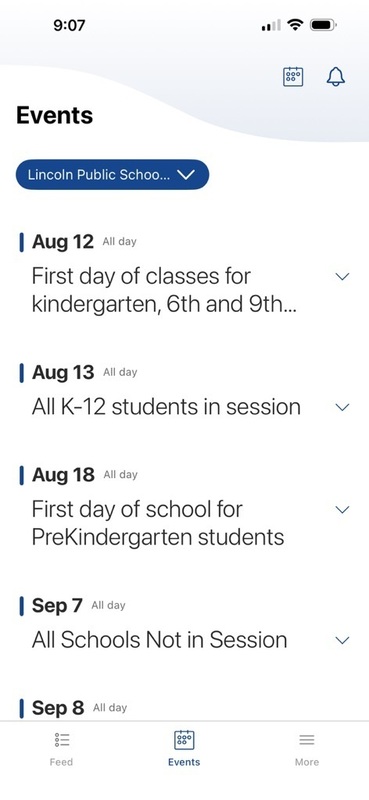
With the updated platform, you may notice an updated look to school and district websites, along with a new look for emails. The websites will include news and events that can also be seen in the app. When LPS calls you using this new system, it will either come from the district office or from your school office number. When we use the new platform for text messages, the text will come from 98900.
Download the LPS.org app today! (iOS or Android)
Setting up the app
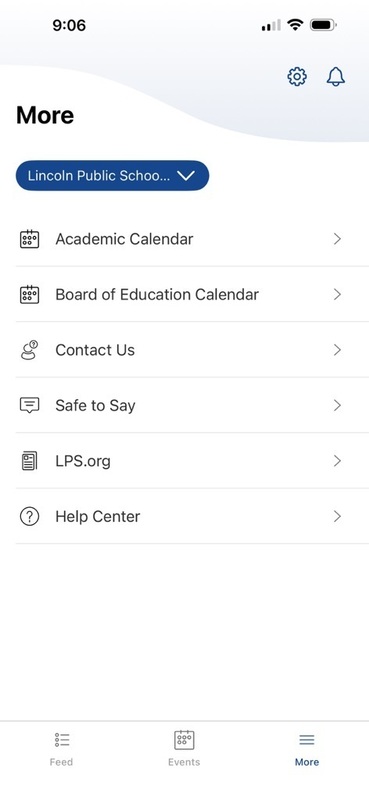
Once downloaded, click the More tab in the bottom right.
Click the gear in the top right corner.
Select My Schools OR My Organizations.
Check the box next to the schools that you want to follow. It is suggested to keep Lincoln Public Schools checked.
Click Save.
Click the back arrow.
Select Notification preferences.
Select Groups.
Check the box next to the schools that you want to receive Push Notifications from.
Select the back arrows to get back to the main screen.
Explore district or school information
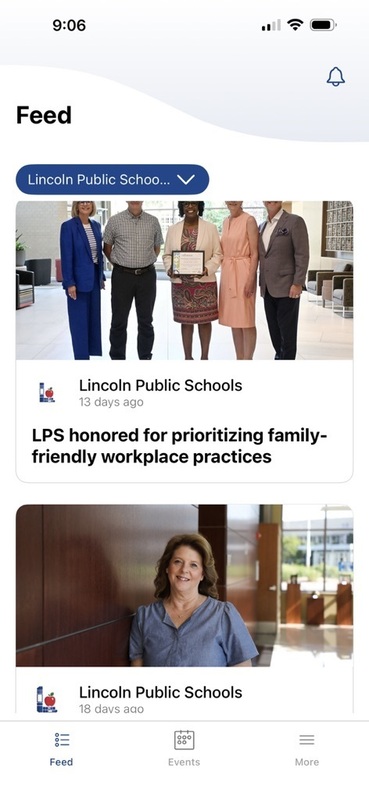
Select the Feed tab and use the blue school selector in the top to select the school you want to focus on to view that school’s News and Live Feed.